
Could it be something else ?
Understanding the tool
You will find direct access to the tools below. The full article with all explanations on how the entire tool works is available on the blog; you can access it by clicking the button below.
Data collection
To get started with data collection, it’s very straightforward:
- If you don’t already have one, create a (free) Notion account
- Access the template using the button below
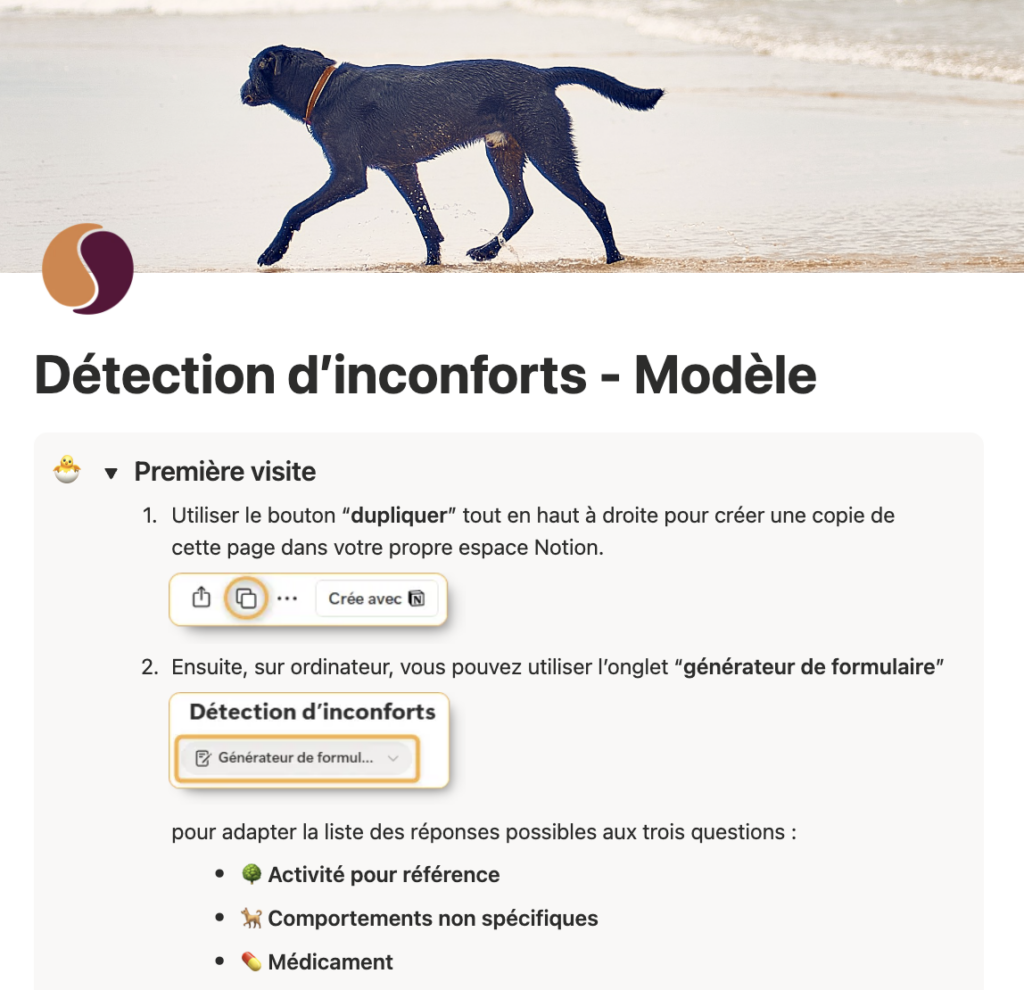
- Expand the “First visit” section and follow the instructions (thumbnail shown on the right).
That’s it—you’re ready to start collecting data (see the video on the right). As needs arise, you can adjust the available options (in particular reference activities and non-specific behaviours) to suit your situation and refine the data collection.
Instructions for exporting the CSV in order to run the analysis are also available on this page.
Analysis
Validation
Upload a CSV to check the period, pivots, and structure before generating.